
· 2 min read
Turn a podcast episode into quote cards
Pick the lines worth sharing from an episode and post them as images or short clips - taken word for word from what was said.
A good episode has a handful of lines people would share - if they ever heard them. Quote cards put those lines in front of people who will never press play on an hour of audio. Here is how to make them from an episode in a few minutes.
1. Get the transcript
Upload the episode file, or paste a YouTube link on the Downloader page. When the transcript is ready, open it from your transcripts.
2. Make the cards
Open the Images tab beside the transcript and press Make quote cards. Flashscribe reads the transcript and picks the lines that make sense on their own - a clear opinion, an insight, a striking fact.
Every quote is copied from the transcript word for word. A line that was reworded or merged along the way is dropped, never fixed.
If you have named the speakers, the card shows who said it. A speaker nobody named stays off the card - "Speaker A" says nothing to the people who will see it.
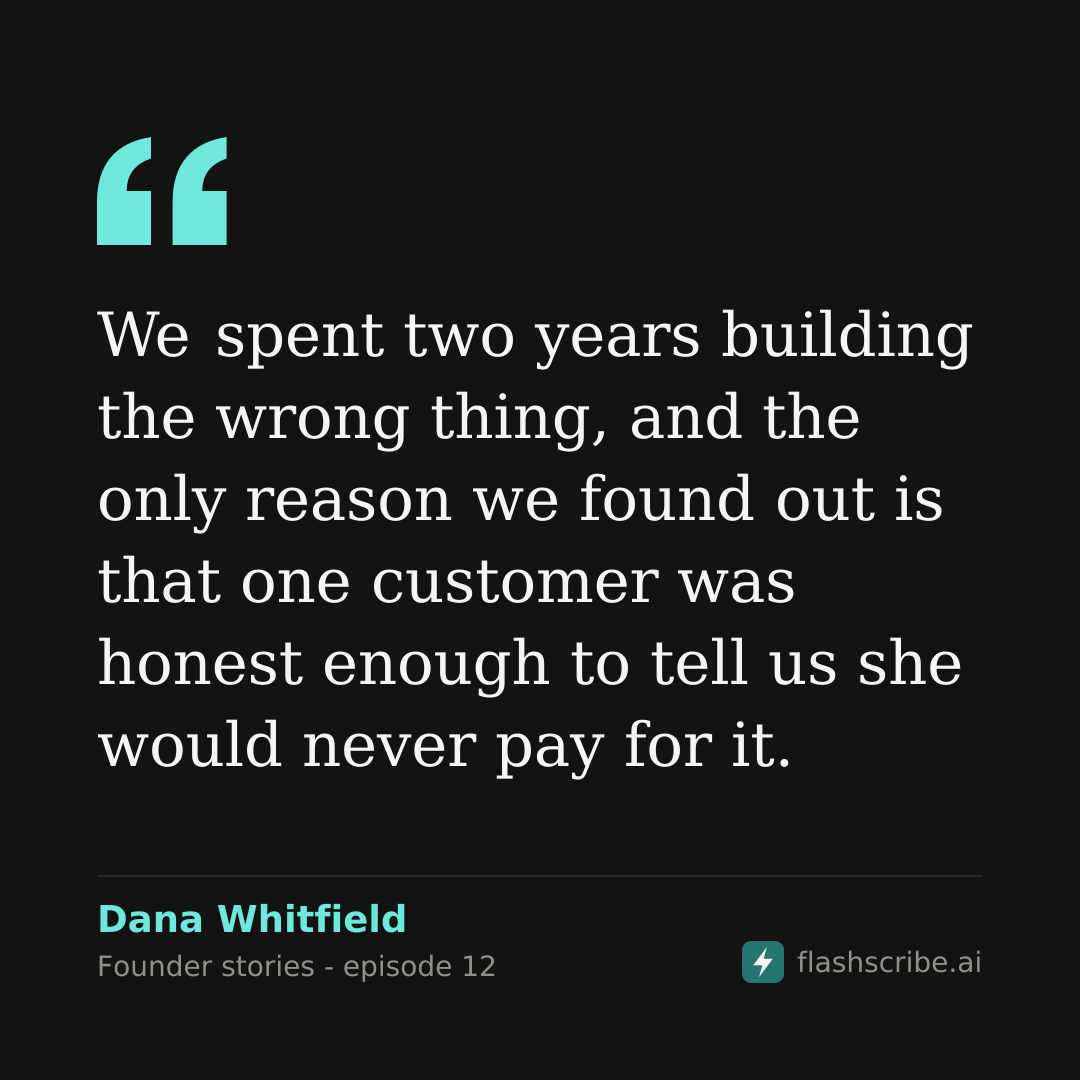
3. Pick a shape and a colour
- Square, 1080 x 1080 - Instagram and LinkedIn posts
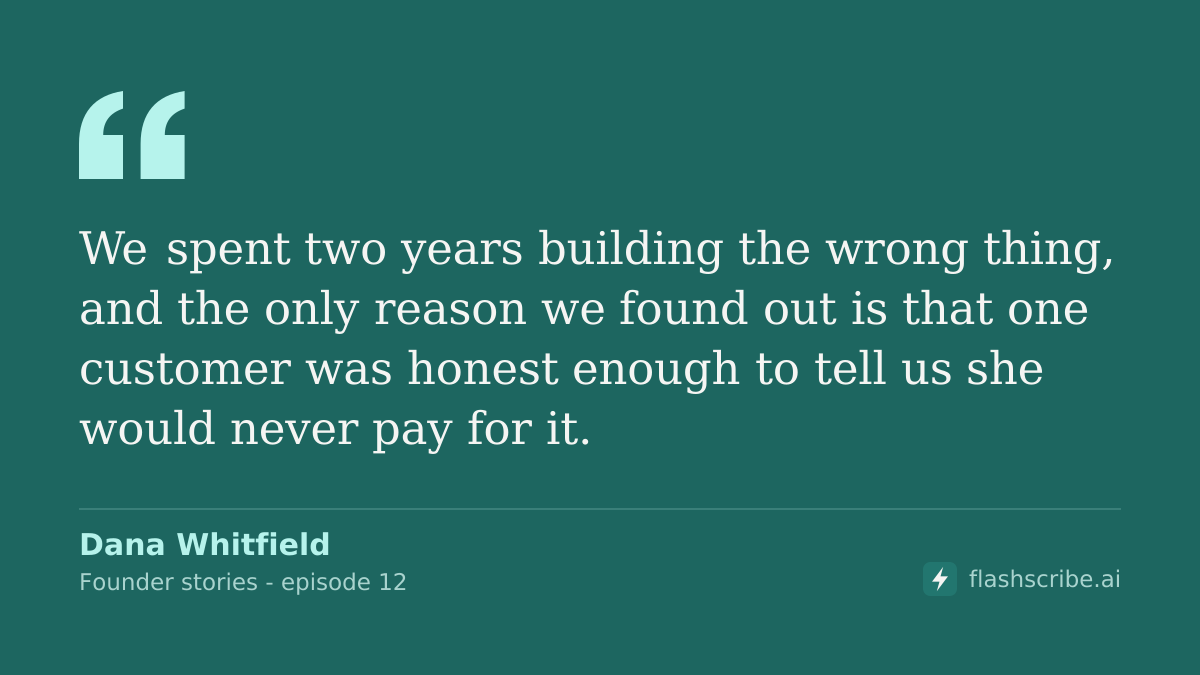
- Wide, 1200 x 675 - X and link previews
- Story, 1080 x 1920 - Stories, Reels and Shorts
There are three colours: Dark, Light and Teal. Press Download and the file is named after the episode - a card from Founder Stories.mp3 saves as Founder_Stories-quote-1.png.
4. Or make a clip
When the episode has audio, Make clip cuts the moment the line is said and plays it under the card, each word lighting up as it is spoken. It downloads as an MP4, which every social network takes.
What it costs
Picking the quotes, the cards and the clips use no credits. Cards from a file on the free allowance carry a small flashscribe.ai mark; files paid with credits or a plan get clean cards.
Cards are drawn for Latin, Greek and Cyrillic text. In other alphabets you still get the quotes, ready to copy.